Privacy Policy
Effective date: 29 June 2026 · Last updated: 9 July 2026
This Privacy Policy explains how the InjecTrack mobile application (“InjecTrack”, “the app”, “we”, “us”) handles your information. We have designed InjecTrack so that your personal and health-related information stays on your device and under your control.
1. The short version
InjecTrack does not collect, transmit, sell, or share your personal data. There are no user accounts, no servers operated by us, no analytics, and no advertising. All of the information you enter is stored locally on your device. The only optional exception is Apple iCloud backup, described below, which uses your own private iCloud account and is turned off by default.
2. Information stored in the app
The information you enter is stored on your device and is used solely to provide the app's features:
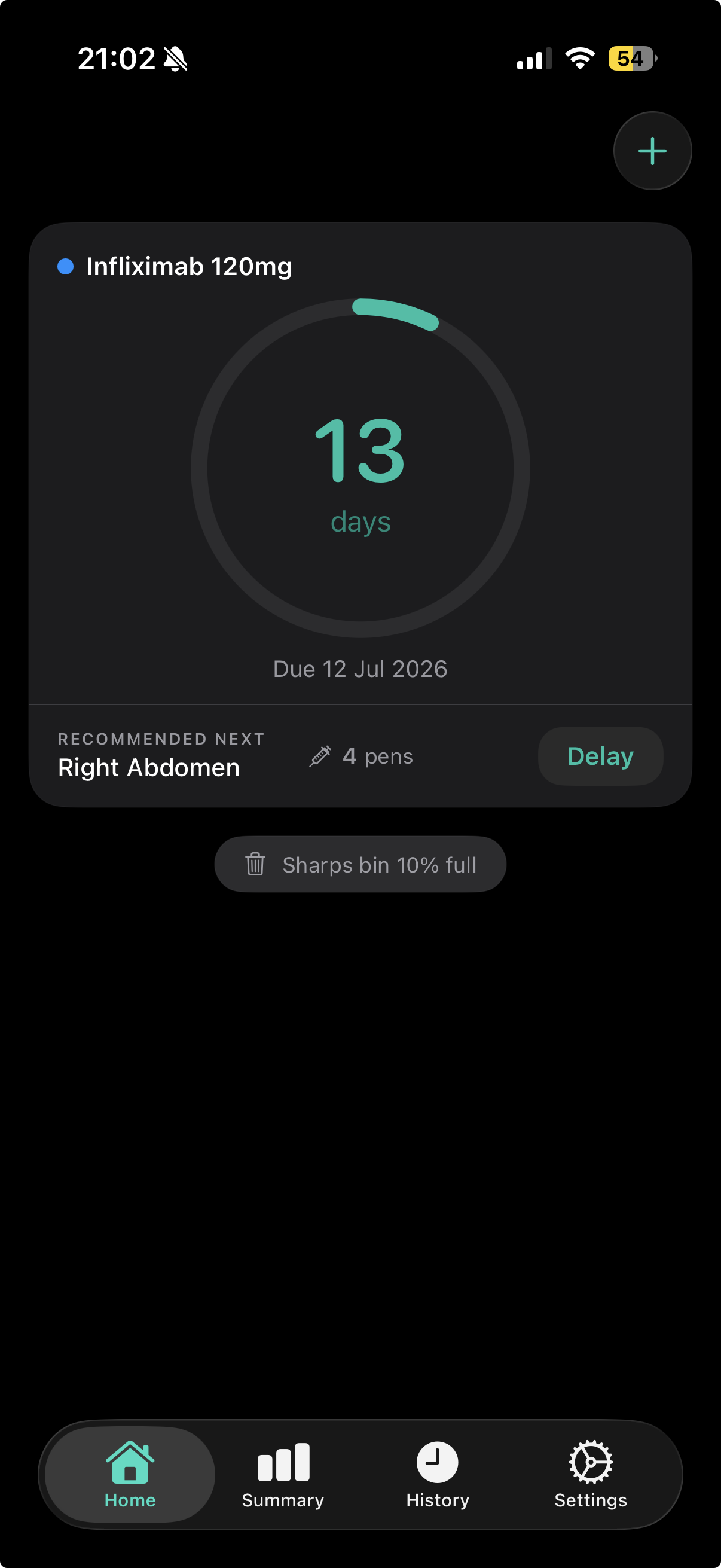
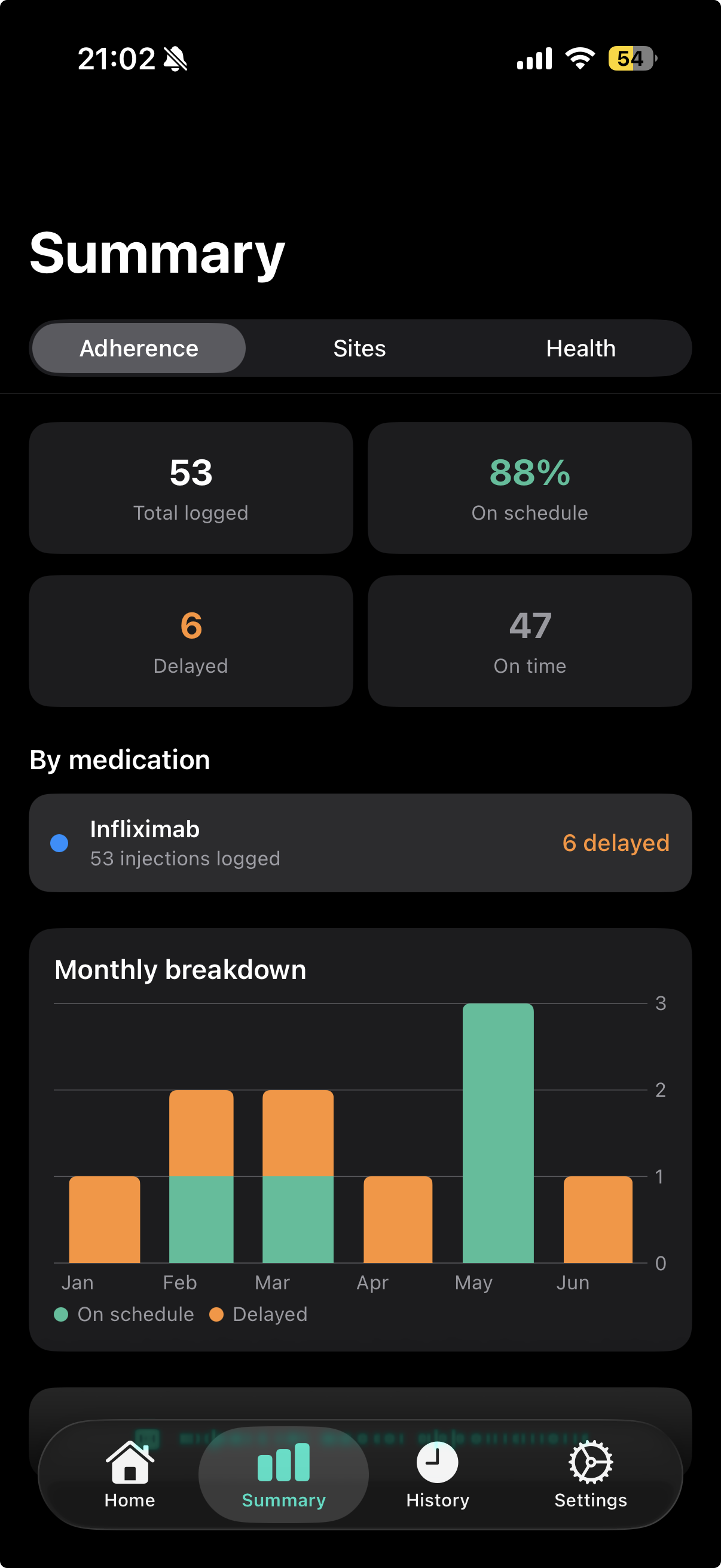
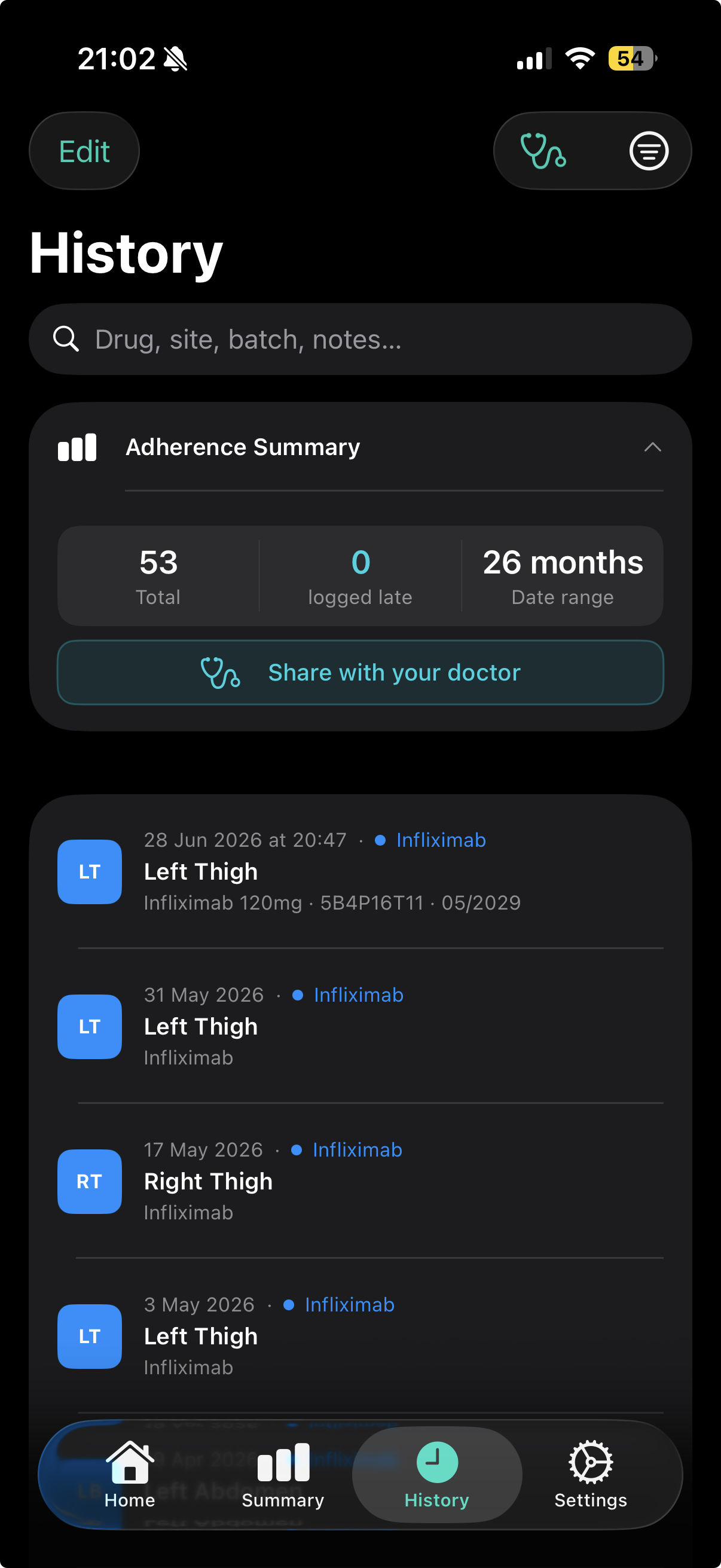
- Injection records: date and time, body site, medication name, dose, batch/lot number, expiry date, manufacturer, soreness and free-text notes.
- Schedule and rotation settings: injection frequency, site cooldown preferences, and which body sites you use.
- Supplies information: pens on hand and sharps-bin capacity and usage.
- Emergency card details: if you choose to set up the optional emergency card — conditions, allergies, blood type, specialist and emergency-contact details, and notes. Like everything else, this stays on your device; it leaves only if you export the card as a PDF and share it yourself.
- App preferences: such as expiry-warning thresholds and security settings.
This information is stored locally using Apple's on-device data framework. We do not receive a copy of it.
3. Device features the app uses
- Camera: used only when you choose to scan a medication barcode or read the printed lot and expiry text on a pen. The camera feed, and any still image taken for text recognition, is processed on-device and in memory; nothing is saved to your photo library or transmitted. Only the recognised details (such as batch and expiry) are added to your record, and only if you confirm them.
- Face ID / Touch ID: if you enable the optional app lock, biometric authentication is handled entirely by iOS. InjecTrack never sees or stores your biometric data.
- Notifications: reminders for upcoming injections, pen warm-ups, and refills are scheduled locally on your device.
- Siri & Live Activities: if used, Siri shortcuts and the pen warm-up countdown on your Lock Screen and Dynamic Island operate on-device to surface your own data.
- Lock Screen widget: the optional emergency widget shows only the generic text “Medical info: see InjecTrack” unless you explicitly turn on details in the app, in which case your condition and medication name are shown on your Lock Screen. This is entirely on-device and off by default.
4. Optional iCloud backup
InjecTrack includes an optional iCloud backup feature that is disabled by default. If you turn it on, your injection data is synced to your own private Apple iCloud account so it can be restored if you reinstall the app or switch devices. This data is stored under your Apple ID and is governed by Apple's Privacy Policy. We do not have access to your iCloud data. You can disable iCloud backup at any time in the app's Settings. Because this feature is provided as-is, we recommend also keeping your own CSV export as a backup.
5. Data you choose to export or share
You can export your history as a CSV file, a complete JSON backup, or a clinical PDF. When you do, the file is created on your device and shared only to the destination you select through the standard iOS share sheet (for example, email, Files, or a messaging app). Once you share a file, any further handling is governed by the privacy practices of the service or recipient you chose.
6. Information we do not collect
- We do not require or collect names, email addresses, or contact details.
- We do not use analytics, crash-tracking SDKs, advertising identifiers, or third-party trackers.
- We do not sell or share your data, and we do not use it for advertising.
- We have no servers that receive your data.
InjecTrack is free to use and contains no advertising and no in-app purchases.
7. Data retention and deletion
Your data remains on your device for as long as you keep it. You can delete individual records within the app, or remove all data by deleting the app. If you enabled iCloud backup, you can also remove the app's data from your iCloud storage through iOS Settings.
8. Children's privacy
InjecTrack is not directed to children and is intended for use by individuals managing their own or a dependant's prescribed treatment. We do not knowingly collect information from children.
9. Security
Your data is stored within the app's protected storage on your device and benefits from iOS device-level protections. You can add an extra layer by enabling the Face ID / Touch ID app lock. No method of storage is completely secure, but because your data is not transmitted to us, the risks associated with server breaches do not apply.
10. Changes to this policy
We may update this Privacy Policy from time to time. When we do, we will revise the “Last updated” date above and post the new version at this page.
11. Contact us
If you have any questions about this Privacy Policy or how InjecTrack handles your information, contact us at donal@injectrackapp.com.
Medical disclaimer. InjecTrack is a personal record-keeping and reminder tool. It is not a medical device and does not provide medical advice, diagnosis, or treatment. Always follow the guidance of your healthcare professional and the instructions provided with your medication.